
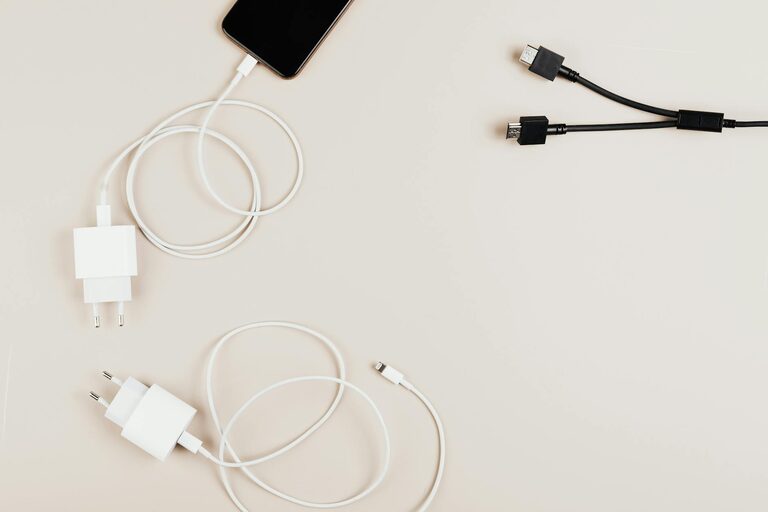
Creating a dedicated charging station for your devices can save time, reduce clutter, and keep your gadgets ready to use. Whether you have smartphones, tablets, smartwatches, or other rechargeable devices, setting up an organized charging area makes a big difference. This guide will walk you through the steps to design and maintain an efficient charging station at home.
Why Set Up a Charging Station?
With multiple electronic devices in every household, charging them all often results in tangled cables, lost chargers, and cluttered surfaces. A centralized charging station helps by:
– Keeping all devices in one place
– Reducing cable mess
– Protecting devices from damage
– Making it easy to locate chargers and cords
– Encouraging better charging habits
Now, let’s explore how to set up your own charging station.
Step 1: Choose the Right Location
Picking the ideal spot is the first essential step for your charging station. Consider:
– Accessibility: Choose a place everyone can easily reach, like a common room, kitchen counter, or home office desk.
– Power Source: Ensure there are enough power outlets nearby or use a power strip with surge protection.
– Visibility: A visible spot encourages consistent use and reminds everyone to charge devices there.
Avoid damp areas or places where cables can create tripping hazards.
Step 2: Gather Necessary Equipment
To build your charging station, you’ll need:
– Charging Hub or Multiple Chargers: A USB charging station with several ports can charge multiple devices simultaneously.
– Power Strip: A surge-protected power strip helps power multiple chargers safely.
– Cable Organizers: Clips, sleeves, or cable ties for managing cords neatly.
– Storage Solution: A box, tray, or drawer to hold devices while they charge.
– Labeling Supplies (Optional): Labels for cables to easily identify which charger belongs to which device.
Step 3: Plan the Layout
Before setting up, plan how your charging station will look:
– Arrange chargers to avoid overlapping cables.
– Consider vertical stands or docks for phones and tablets to save space.
– Allocate separate spots for different types of devices, like headphones or smartwatches.
This planning helps maintain order and usability.
Step 4: Assemble Your Charging Station
Follow these steps to set up:
- **Place the power strip** close to the wall outlet.
- **Connect your chargers** or a multi-port USB hub to the power strip.
- **Organize cables** using clips or sleeves, guiding them to the designated storage area.
- **Position devices** on the charging station, making sure they fit comfortably and are stable.
- **Label cables** if multiple similar chargers are used.
Step 5: Maintain Your Charging Station
To keep your station effective and tidy:
– Regularly check cables for wear and replace them if damaged.
– Remove devices once fully charged to free up space.
– Clean the station to prevent dust accumulation.
– Update chargers if you get new devices that require different connectors.
Bonus Tips for a Better Charging Station
– Use Fast Chargers: Compatible fast chargers can reduce charging time.
– Incorporate Wireless Charging Pads: For compatible devices, wireless pads add convenience and reduce cable clutter.
– Keep Spare Cables Handy: Extra cables help guests or multiple household members charge without delay.
– Consider Safety: Avoid overloading outlets and use surge protectors to prevent electrical issues.
Conclusion
Setting up a dedicated charging station is a simple way to improve your home organization and keep your devices powered up. By selecting the right location, gathering essential equipment, organizing cables, and maintaining your charging area, you can enjoy a clutter-free space where all your electronics are ready when you need them. Start building your charging station today and experience the benefits of an organized tech space!